
 Afrikaans
 Azərbaycanca
 Bahasa Indonesia
 Bahasa Melayu
 Bosanski
 Català
 Cymraeg
 Dansk
Dansk
 Deutsch
 Eesti
Eesti
 English (Australia)
 English (Canada)
 English (India)
 English (New Zealand)
 English (UK)
 Español
 Español (Argentina)
 Español (Colombia)
 Español (Guatemala)
 Español (México)
 Español (Uruguay)
 Euskara
 Français
 Français (Canada)
 Gaeilge
 Galego
 Hrvatski
 Italiano
 Latviešu
 Lietuvių
 Lëtzebuergesch
 Magyar
 Malti
Malti
 Nederlands
 Norsk
Norsk
 Oʻzbekcha
 Polski
 Português
 Português (Brasil)
 Română
 Shqip
Shqip
 Slovenčina
 Slovenščina
 Suomi
Suomi
 Svenska
 Tagalog
 Tiếng Việt
 Türkçe
 Íslenska
 Čeština
 Ελληνικά
 Беларуская
 Български
 Македонски
 Русский
 Српски
 Українська
 Қазақша
 Հայերեն
 עברית
עברית
 اردو
اردو
 العربية
 فارسی
فارسی
 हिन्दी
 বাংলা
বাংলা
 ไทย
ไทย
 ქართული
 中文 (简体)
 中文 (繁體)
 日本語
日本語
 한국어
한국어
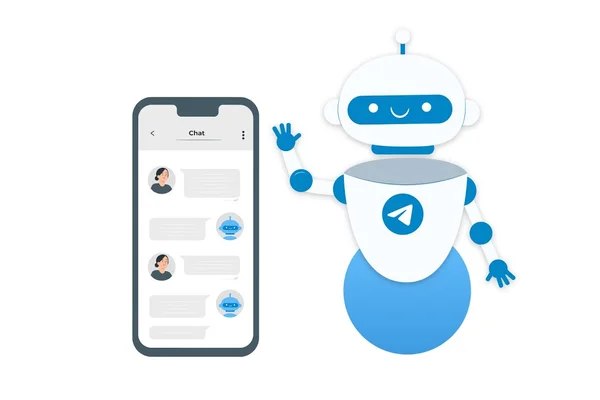
AI Robot Translator turns Telegram into a global space without borders. The bot creates a secure communication line between two people, where every message is translated into the native language of the interlocutor, taking into account all linguistic nuances.
Key Advantages
- Bridge Mode: Automatic two-way translation of the dialogue without extra clicks.
- Voice Translation: Instant transcription and playback of voice messages (STT/TTS).
- Smart Settings: Ability to set context and communication style for flawless accuracy.
- Solo Mode: Personal assistant for translating forwarded messages and transcribing notes.